Press kit
HyperSwitcher press kit
Product information, example text, press contact details, and usage rights for coverage of HyperSwitcher.
Download complete press kitExample Descriptions
One sentence
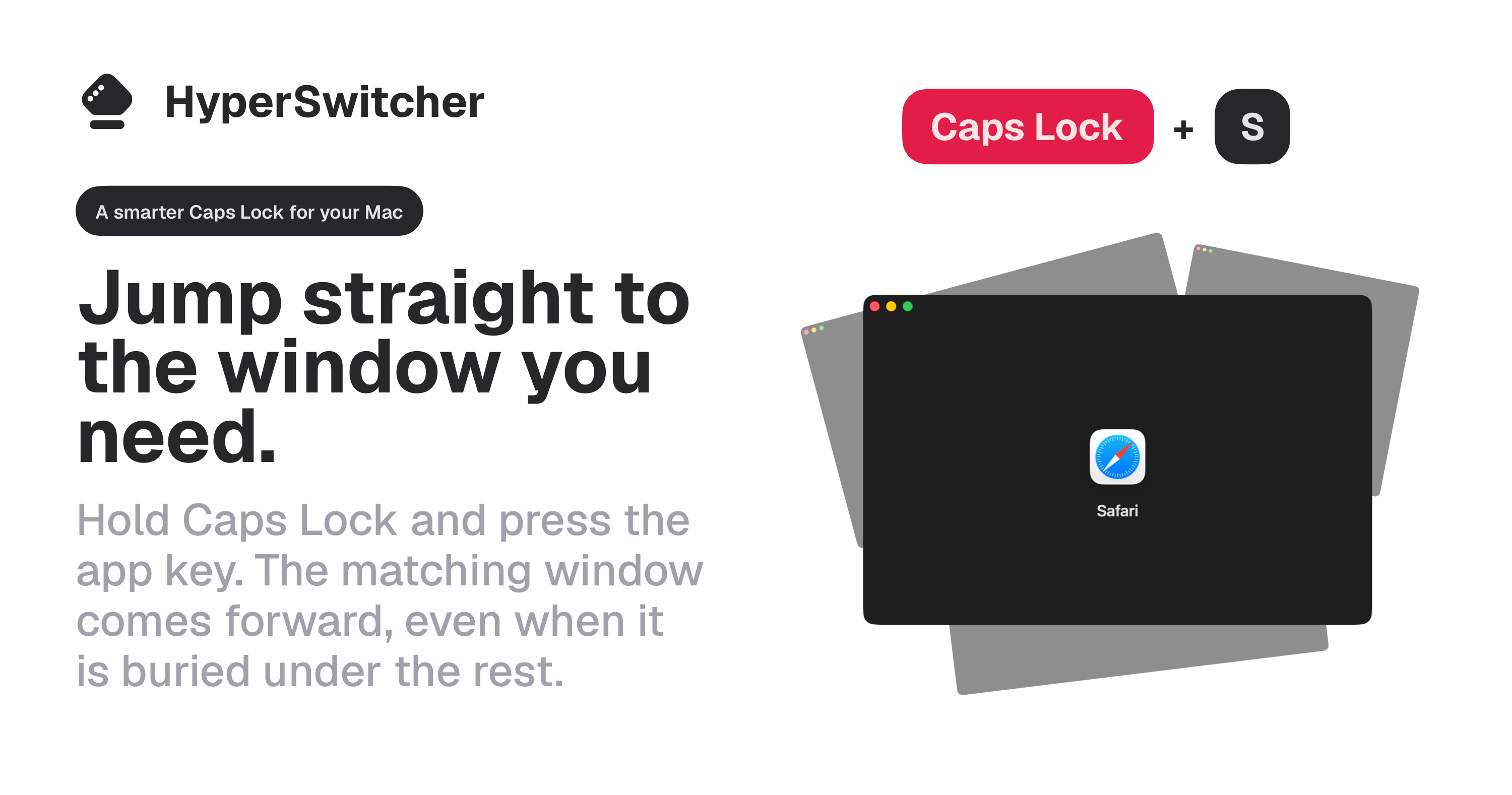
HyperSwitcher is a macOS app that lets people jump to their usual apps and windows with fixed Hyper-key shortcuts.
One paragraph
HyperSwitcher is for Mac users who keep coming back to the same apps all day. Cmd-Tab is useful, but its order changes as you work. HyperSwitcher uses fixed shortcuts instead: assign an app to a Hyper-key combination, then press the same shortcut every time.
Longer version
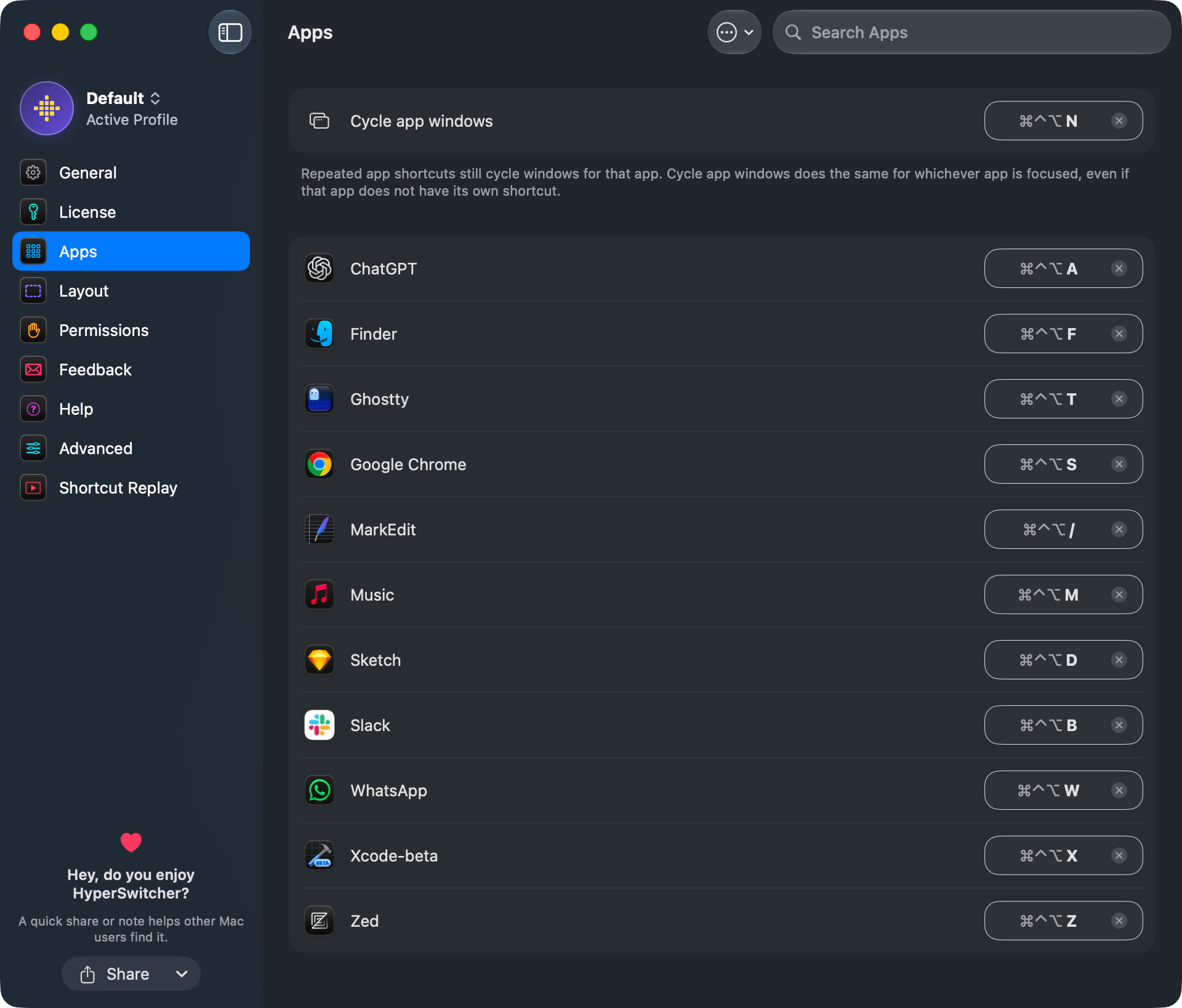
HyperSwitcher is a native macOS utility for switching apps and windows without hunting through a changing list. Users assign fixed Hyper-key shortcuts to the apps they use most, so Mail, Safari, Terminal, Finder, or any other app can always live on the same shortcut.
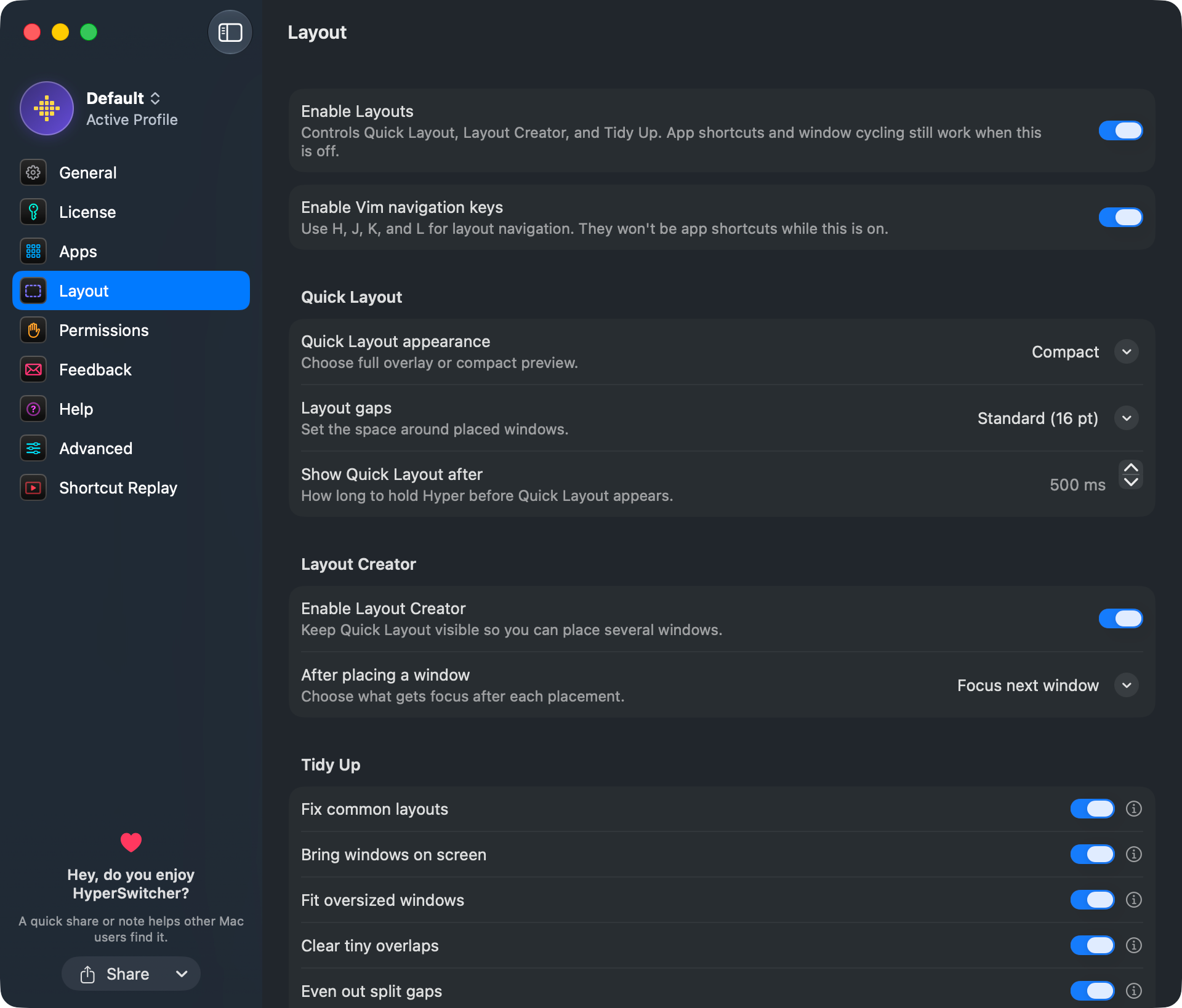
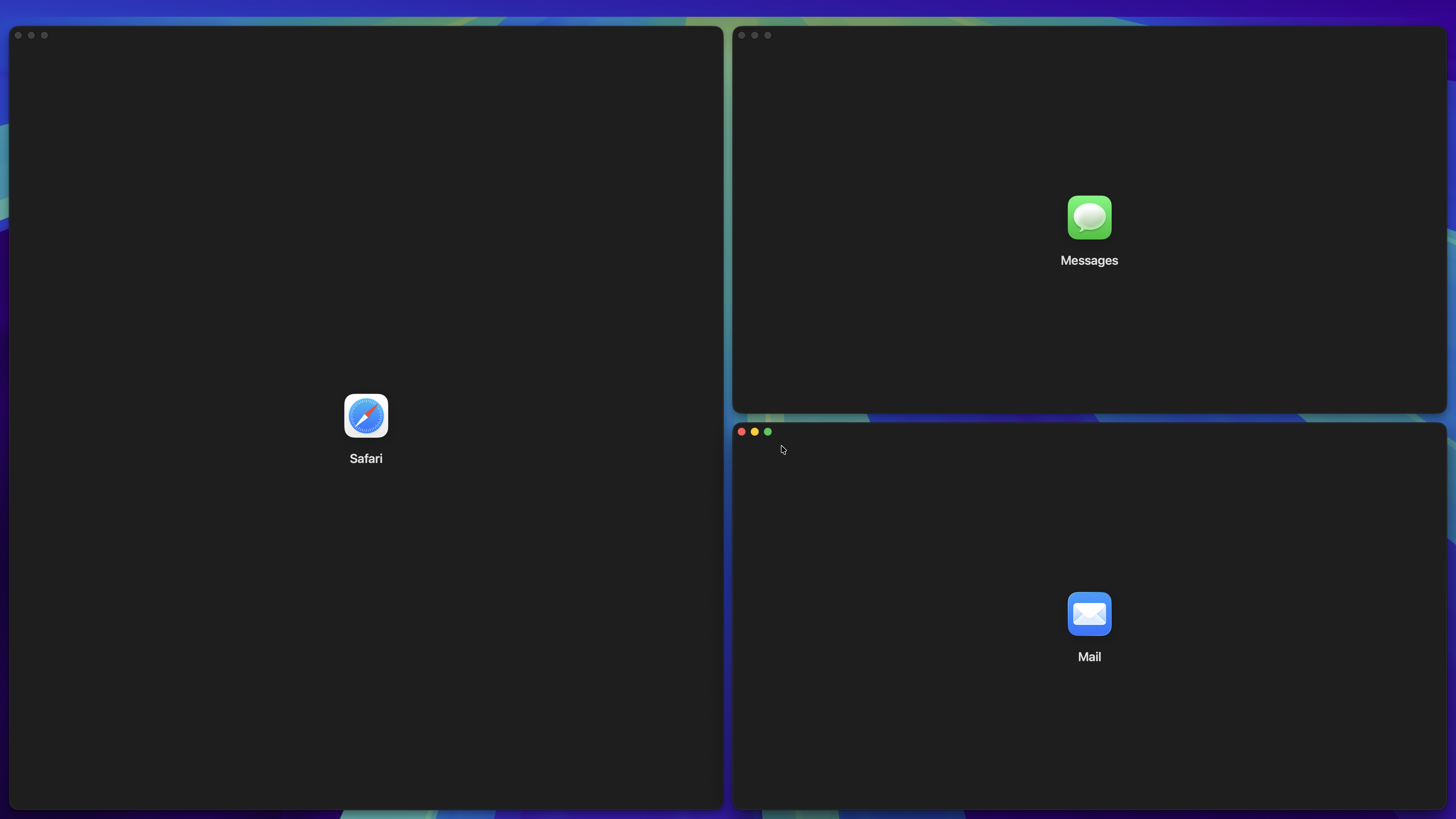
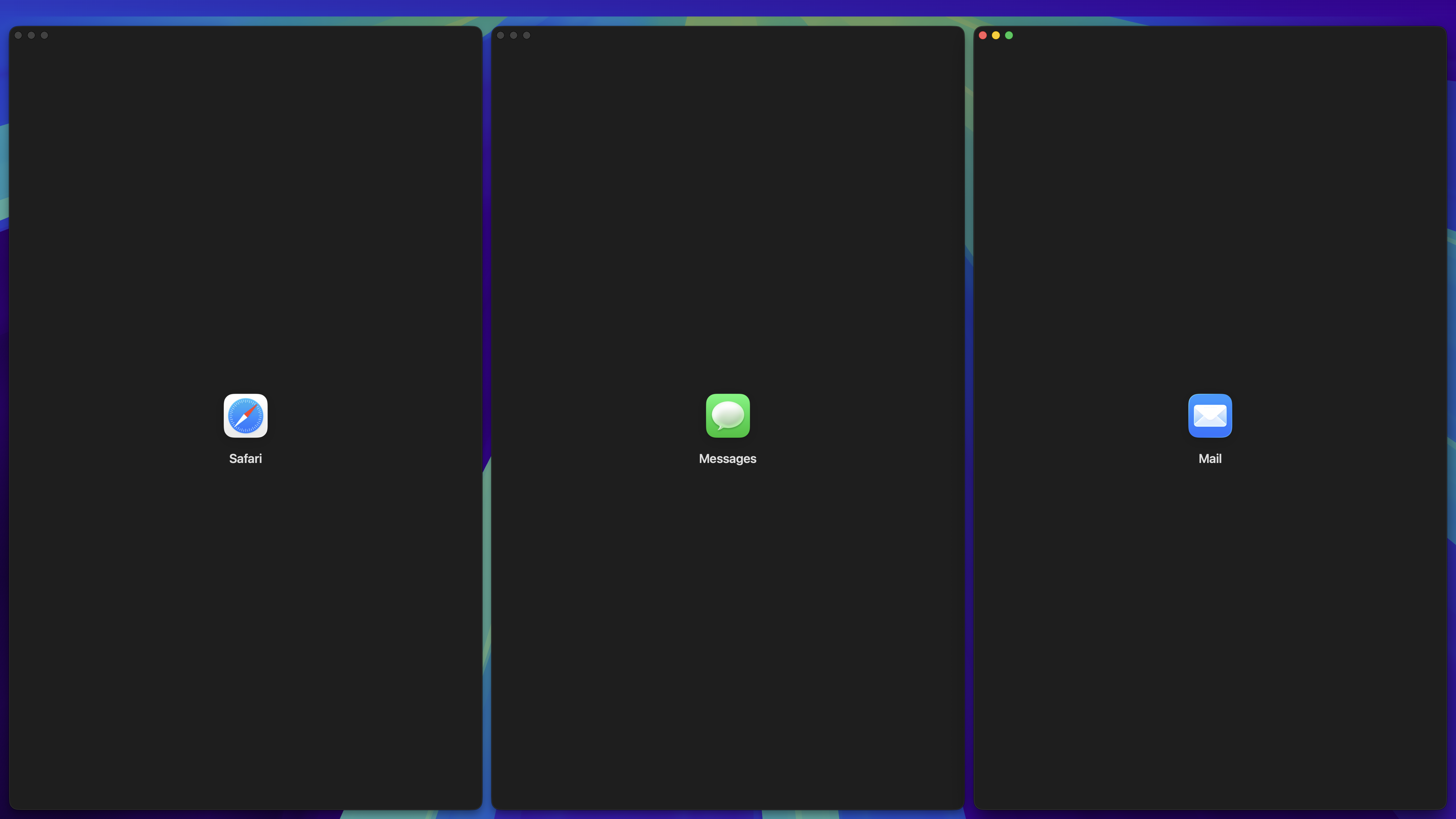
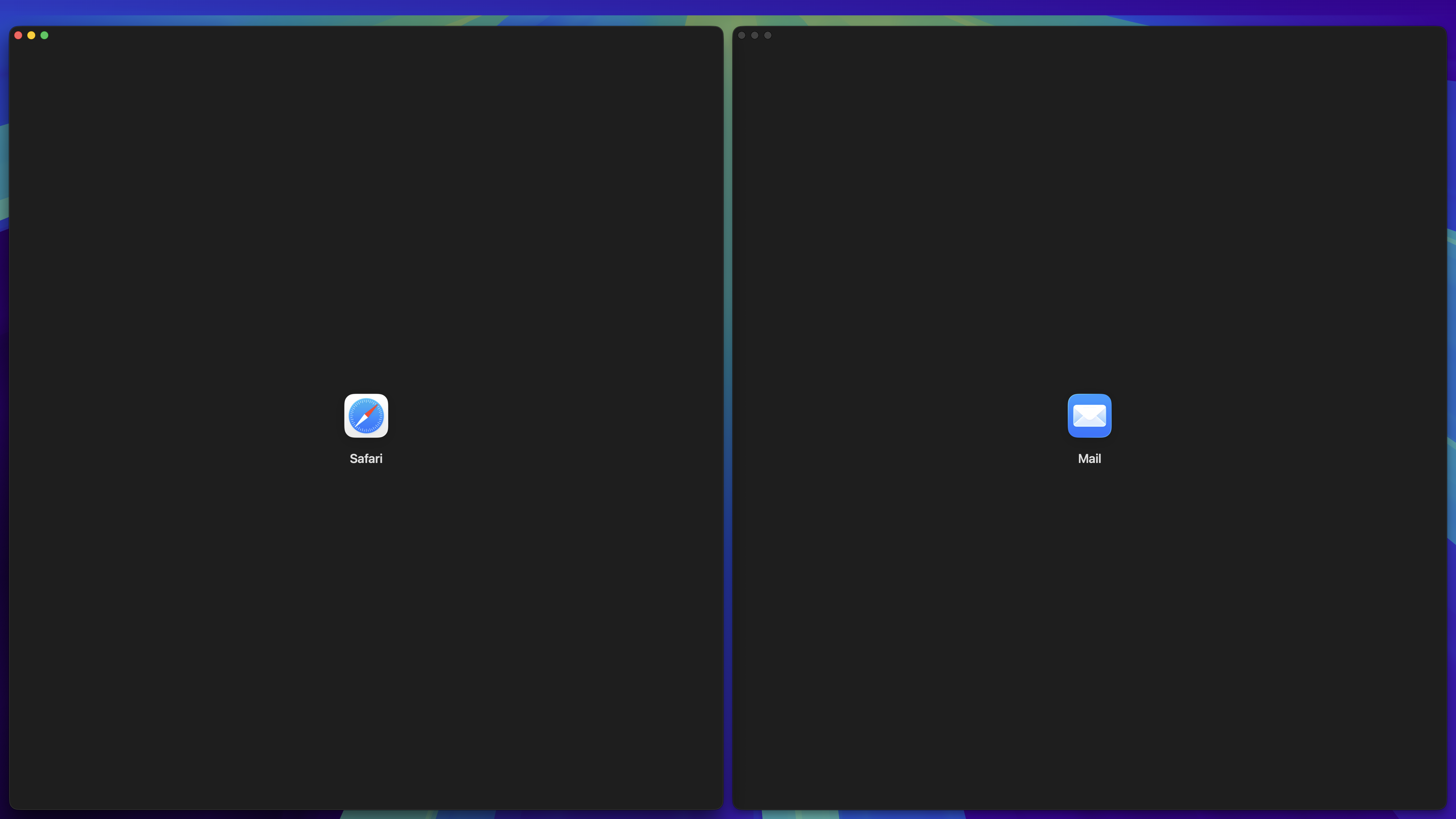
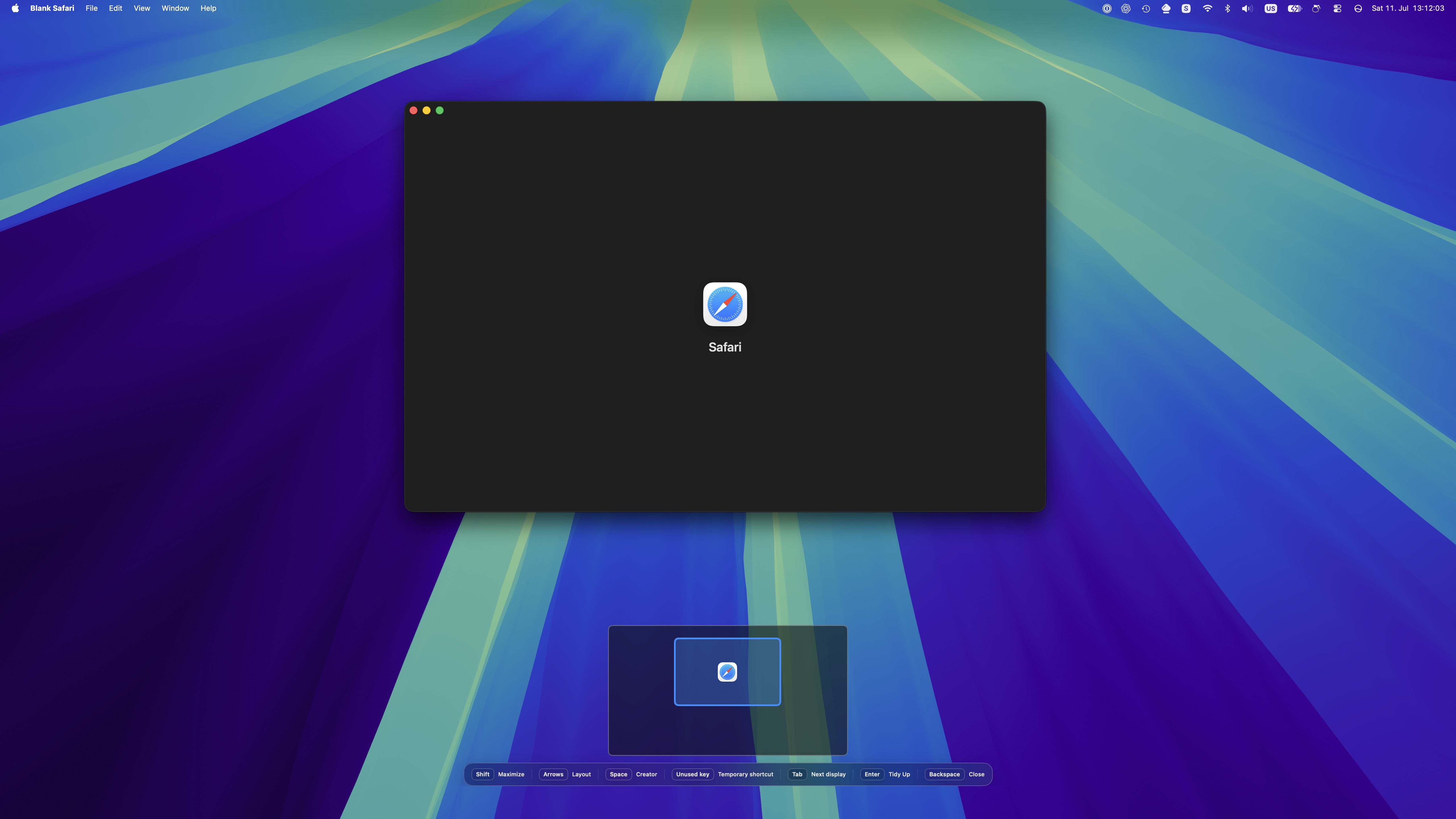
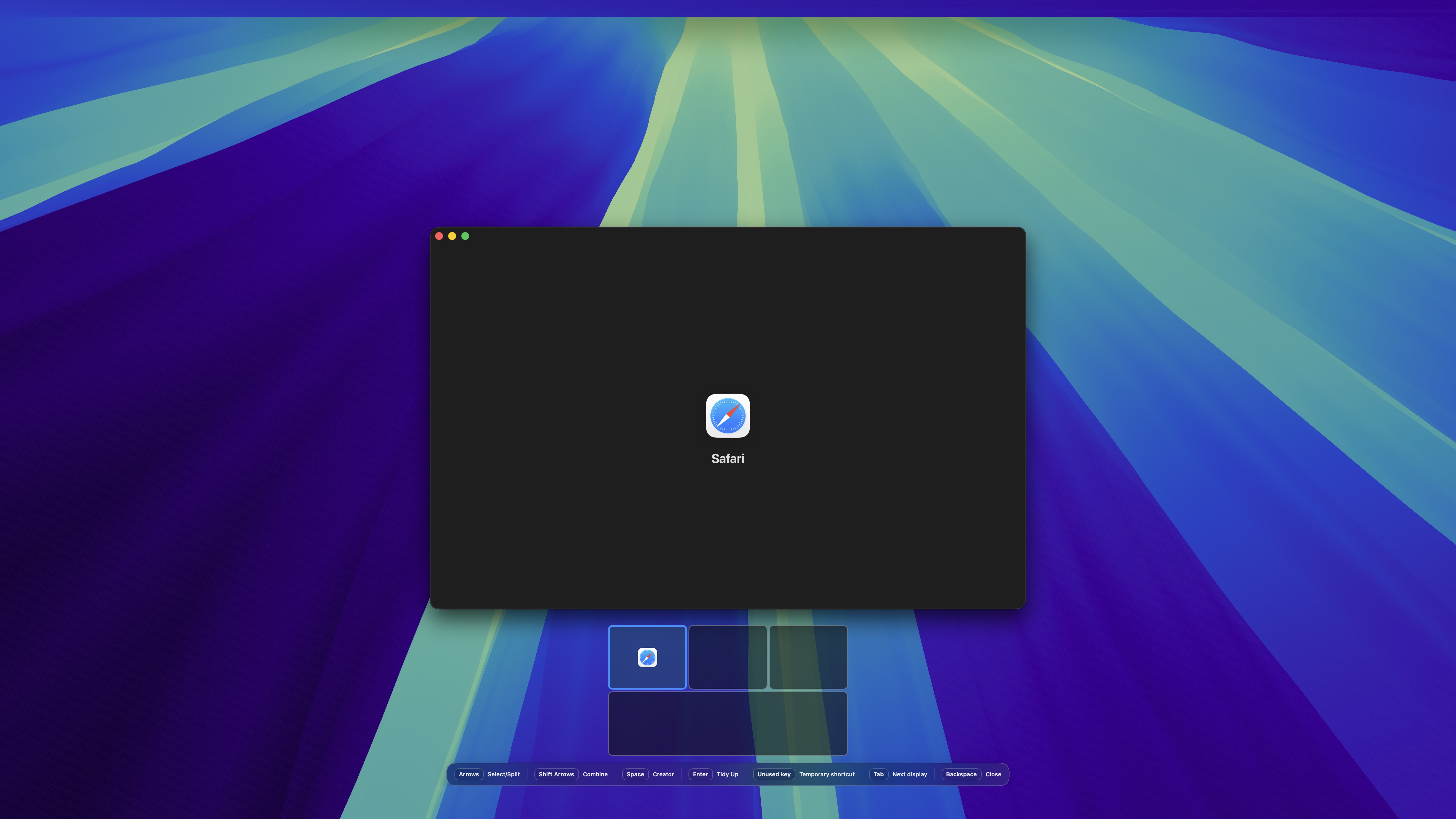
It also includes Quick Layout, a keyboard-driven way to place windows with arrow keys. HyperSwitcher keeps shortcuts, layouts, and settings on the Mac, does not require an account, and only asks for the macOS permissions it needs to switch and arrange windows.
Product facts
- Product
- HyperSwitcher
- Maker
- SwiftedMind
- Platform
- macOS
- System requirement
- macOS 15 or later
- Price
- Free download. Pro license: $5.99.
- Pro license
- Unlimited app shortcuts and full Quick Layout on up to 3 devices.
- Languages
- English, German, French, and Spanish
- Required permission
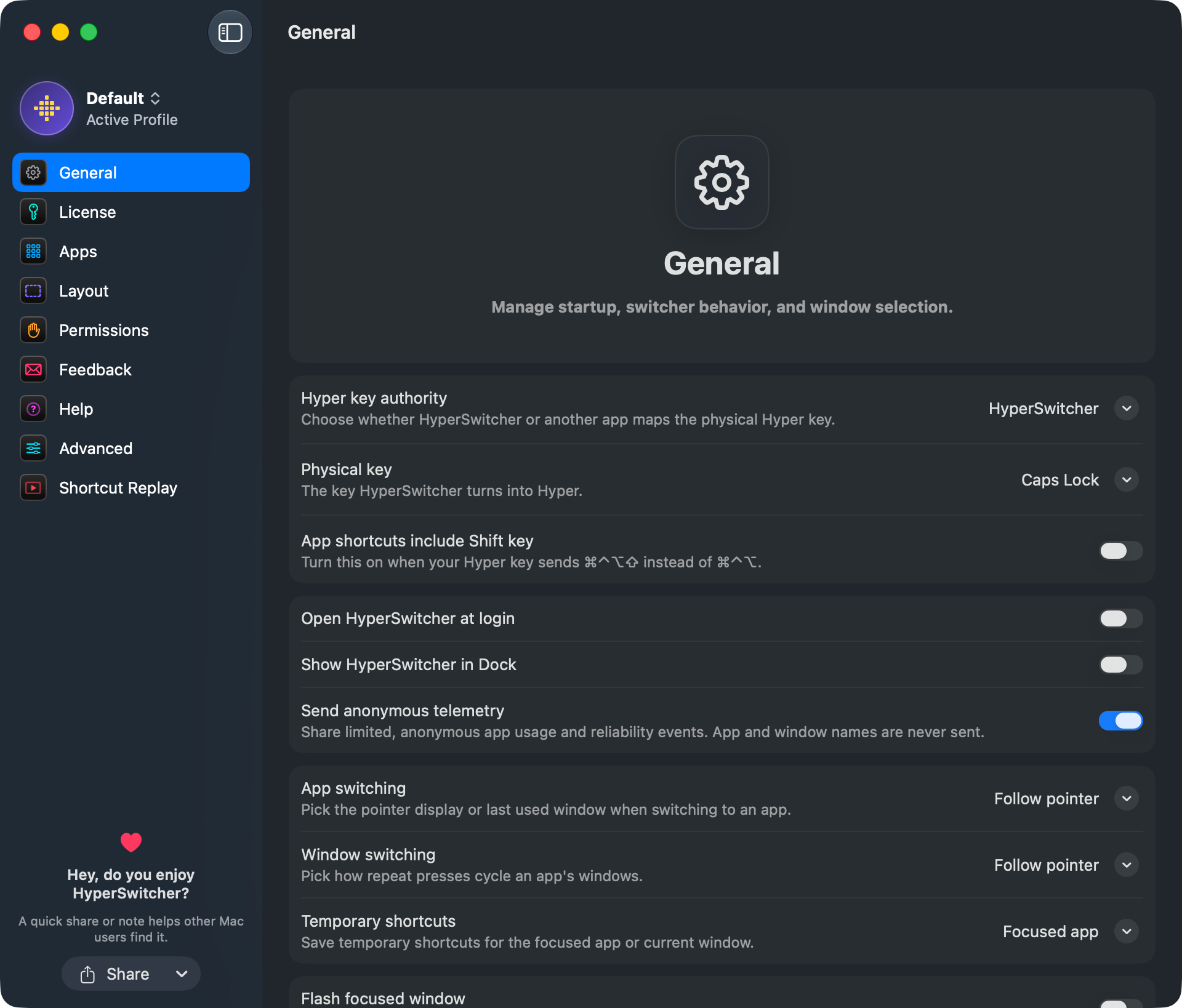
- Accessibility, used to read, focus, and place windows.
Press contact
Contact Dennis at SwiftedMind for press questions, review copies, or follow-up details.
- Website
- swiftedmind.com
- GitHub
- github.com/SwiftedMind
Founder note
Hey, I'm Dennis. I make Apple apps and developer tools under SwiftedMind, mostly in Swift.
I built HyperSwitcher because I wanted app switching on macOS to feel more like muscle memory. Cmd-Tab is useful, but it changes with recent order. The same app is not always in the same place.
HyperSwitcher takes a different approach. You assign fixed Hyper-key shortcuts to the apps you use most. Instead of thinking about where an app sits in Cmd-Tab right now, you press the same shortcut every time.
Usage rights
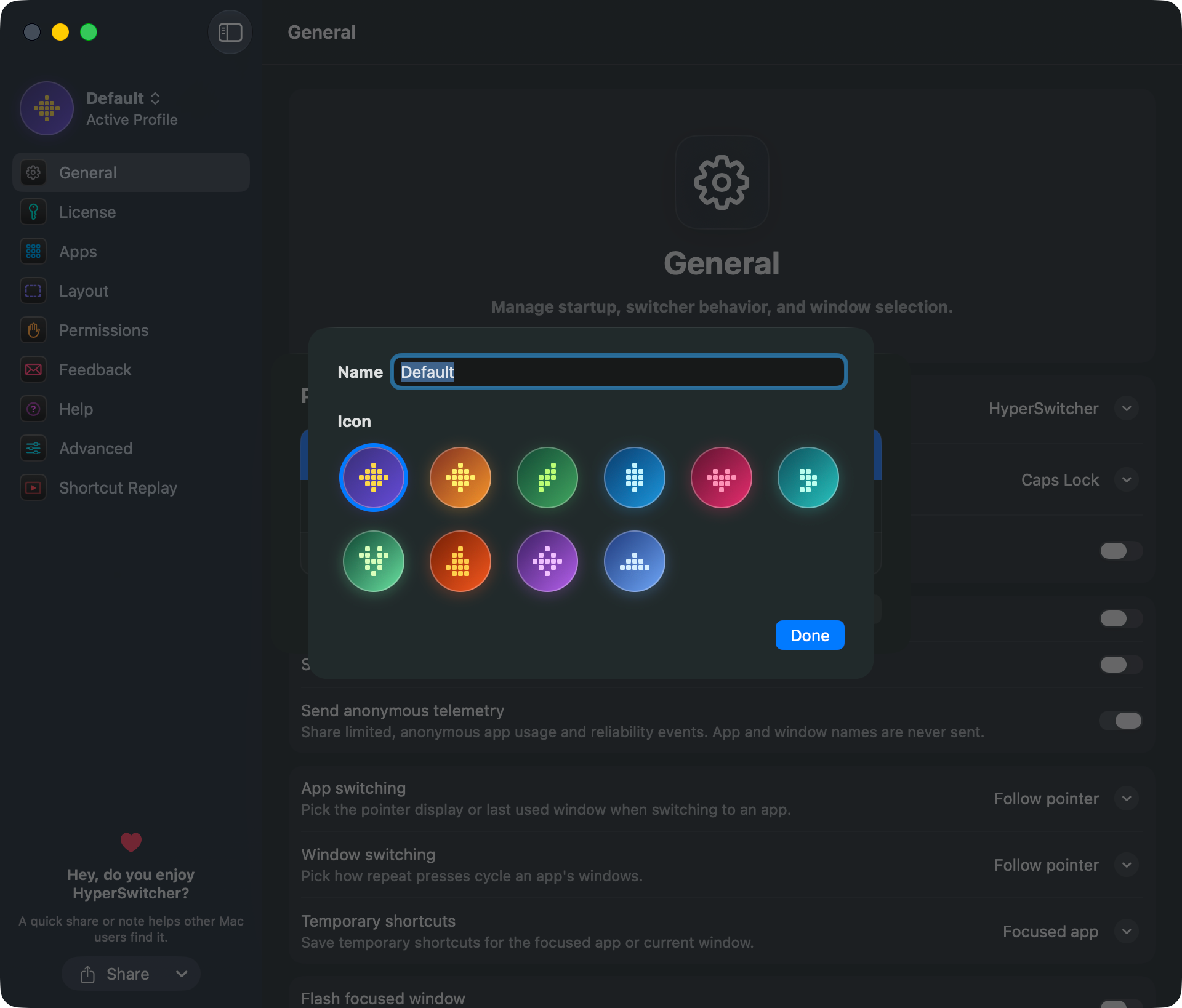
Journalists and creators may use HyperSwitcher screenshots, videos, logos, app icons, and product descriptions freely in coverage of the app. Please credit HyperSwitcher or SwiftedMind when practical.
Brand assets




Screenshots